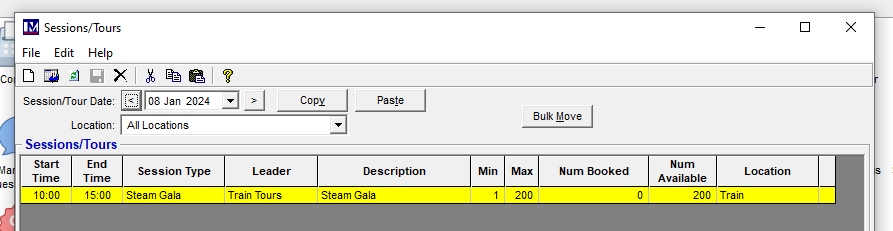
When copying sessions you need to ensure the correct process is followed.
Select the date the original session is set up.
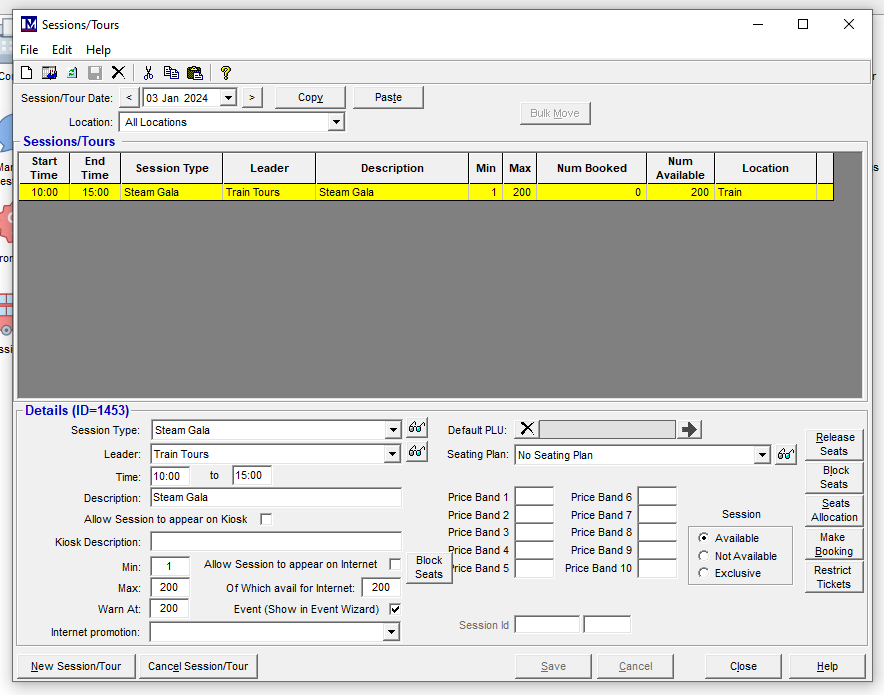
Click Copy.
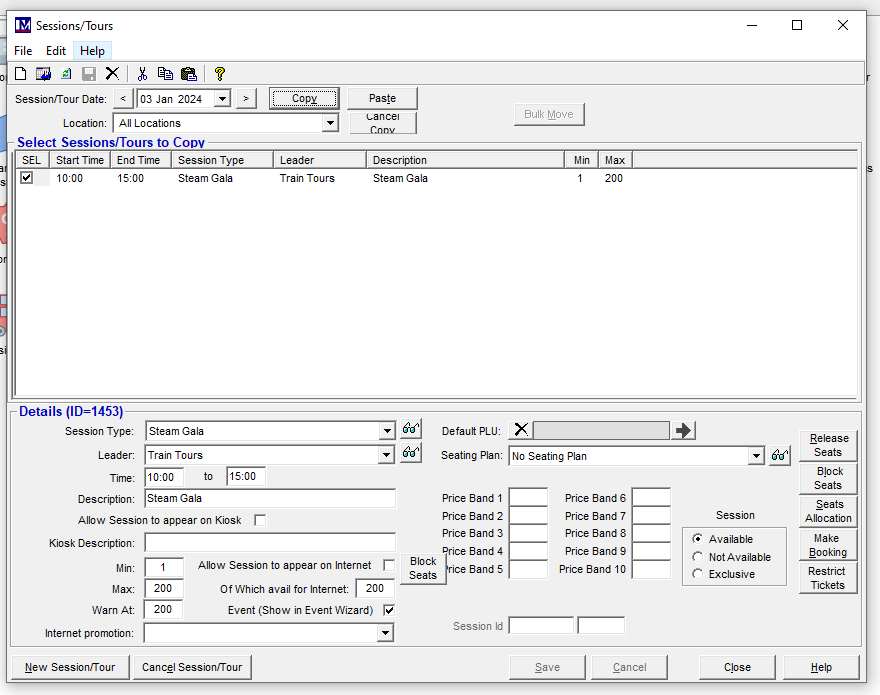
At this point you need to click 'Copy' again.
If you click 'Paste' at this point, in some older versions the system will create an entry against the 1st Jan 1899!
This has been corrected in more recent versions.
When you click copy the system will then bring up a calendar to select which dates you wish to copy the session to:
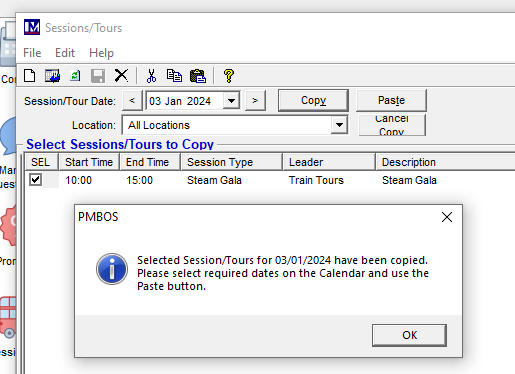
Select the relevant dates (turn green when selected):
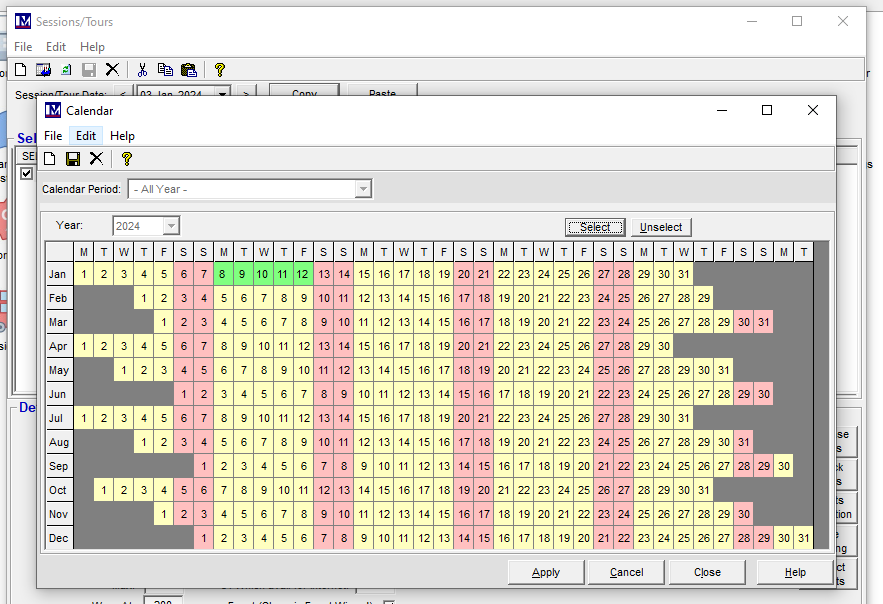
Apply.
Click Paste at this point:
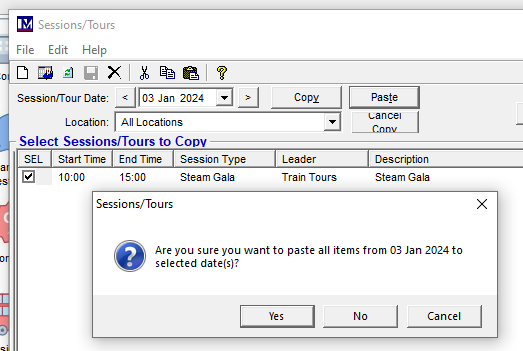
The session will be copied to all selected dates: