
If you have previously created a non-stocked item, (or an admission ticket by default) it's possible to change this within back office.
Within Price Lookup Index find the item in question:
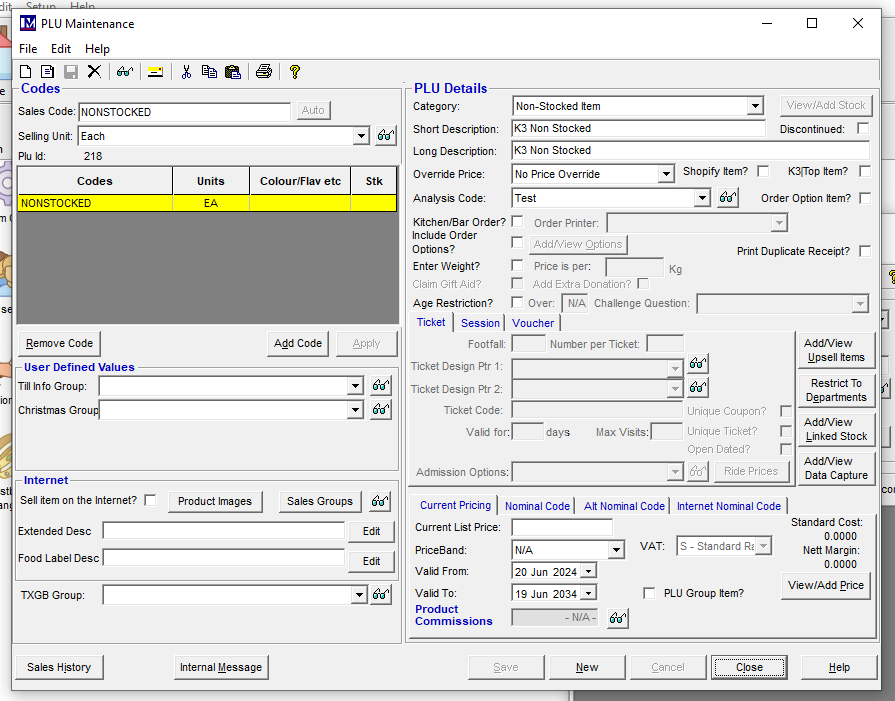
If you change the Category to 'Stocked Item' you will notice View/Add Stock will show as available:
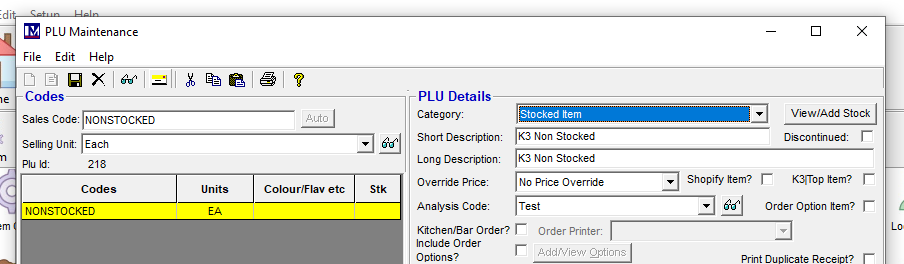
Ensure you click Save to apply the change.
Click 'View/Add Stock'
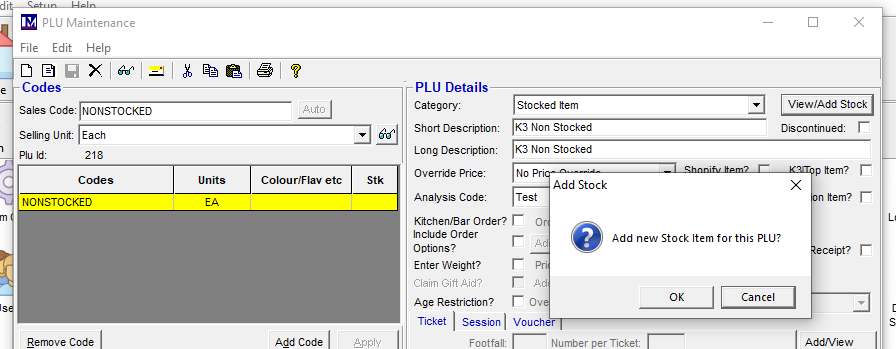
To create a stock record for the previously non-stocked item, click Ok.
