
It is possible to set up challenge questions on PLU's to prompt till operators to check a customers age.
To do so you can follow the below steps:
1. Create the challenge question
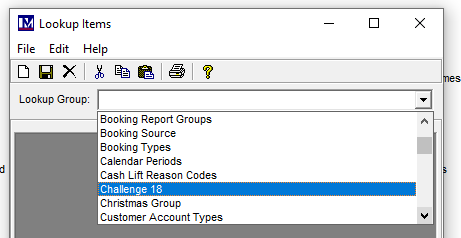
Open back office and find 'Lookup Items'

Scroll down the list to find 'Challenge 18'
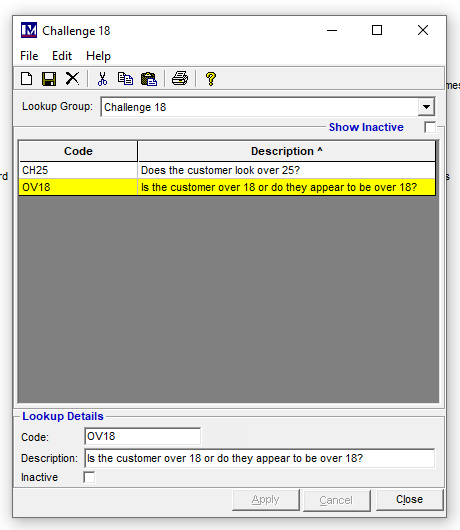
This will then show any existing age restrictions, I believe the 18 question is in the system as default:
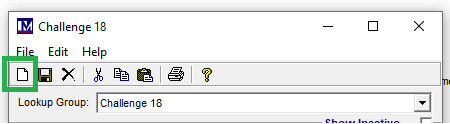
To add any new challenge questions click on the new icon (Paper looking icon)
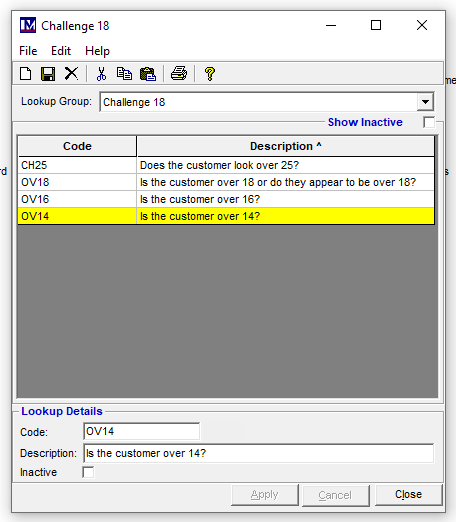
Add your question as required. It will need a code and a description.
2. Add the challenge question to the PLU
Find the PLU you wish to add the age restriction to via Price Lookup Index
Tick 'Age Restriction' and set Over to the minimum age required.
From the drop down list you can then select which challenge question you require:
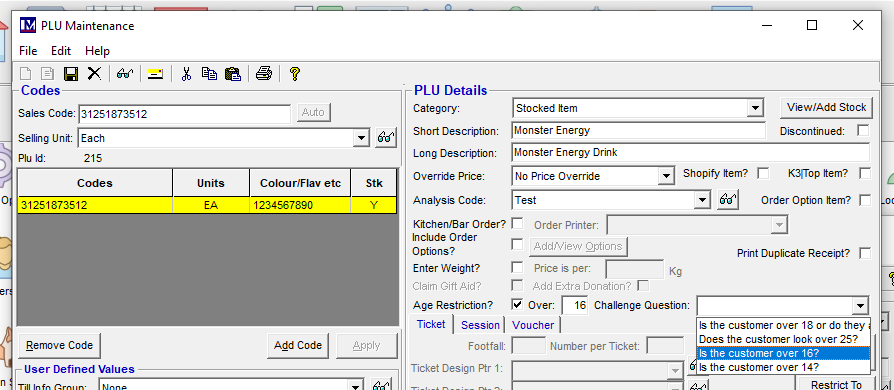
Ensure you save the changes.
3. Recreate till data to push out changes to the till
4. When the PLU is scanned at the till:

If the till operator clicks No the item will automatically be removed from the till basket.