
This explains how to create a promotion where an item is free when bought with another. In this example a free book is given when a season ticket is bought.
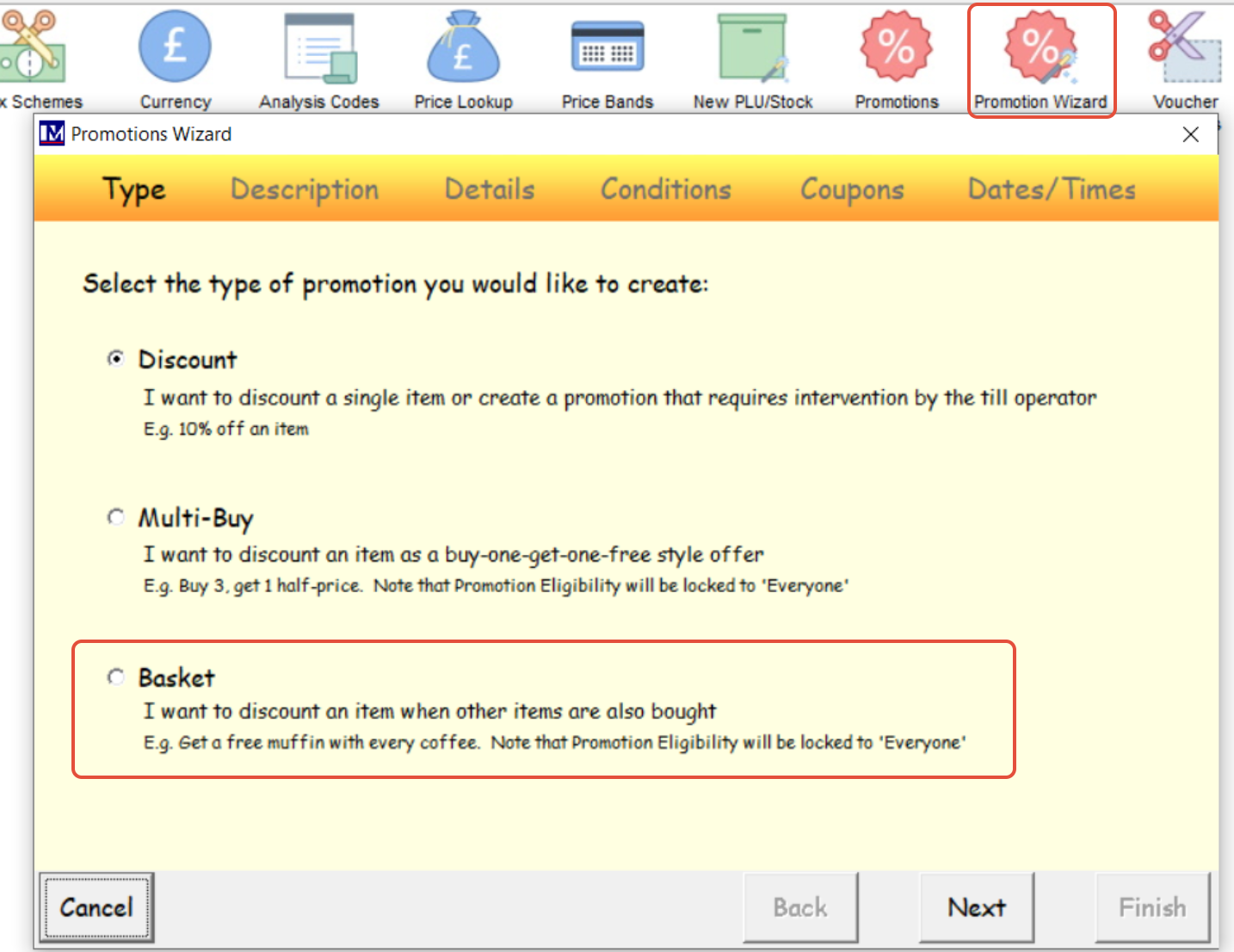
Open Promotion wizard and select basket. Next.
Enter the description and code

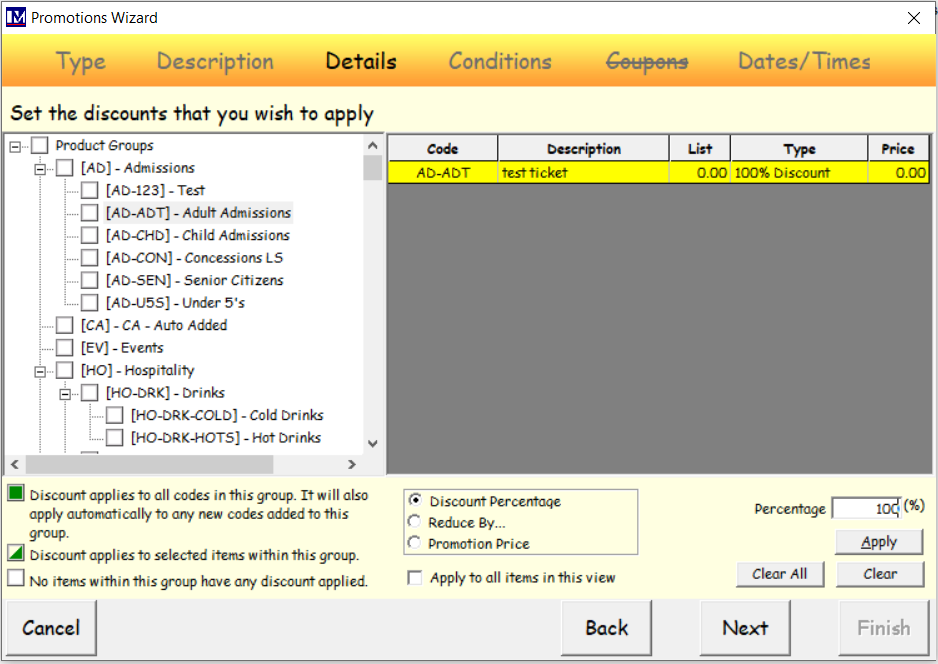
Add the items to be discounted. Next.
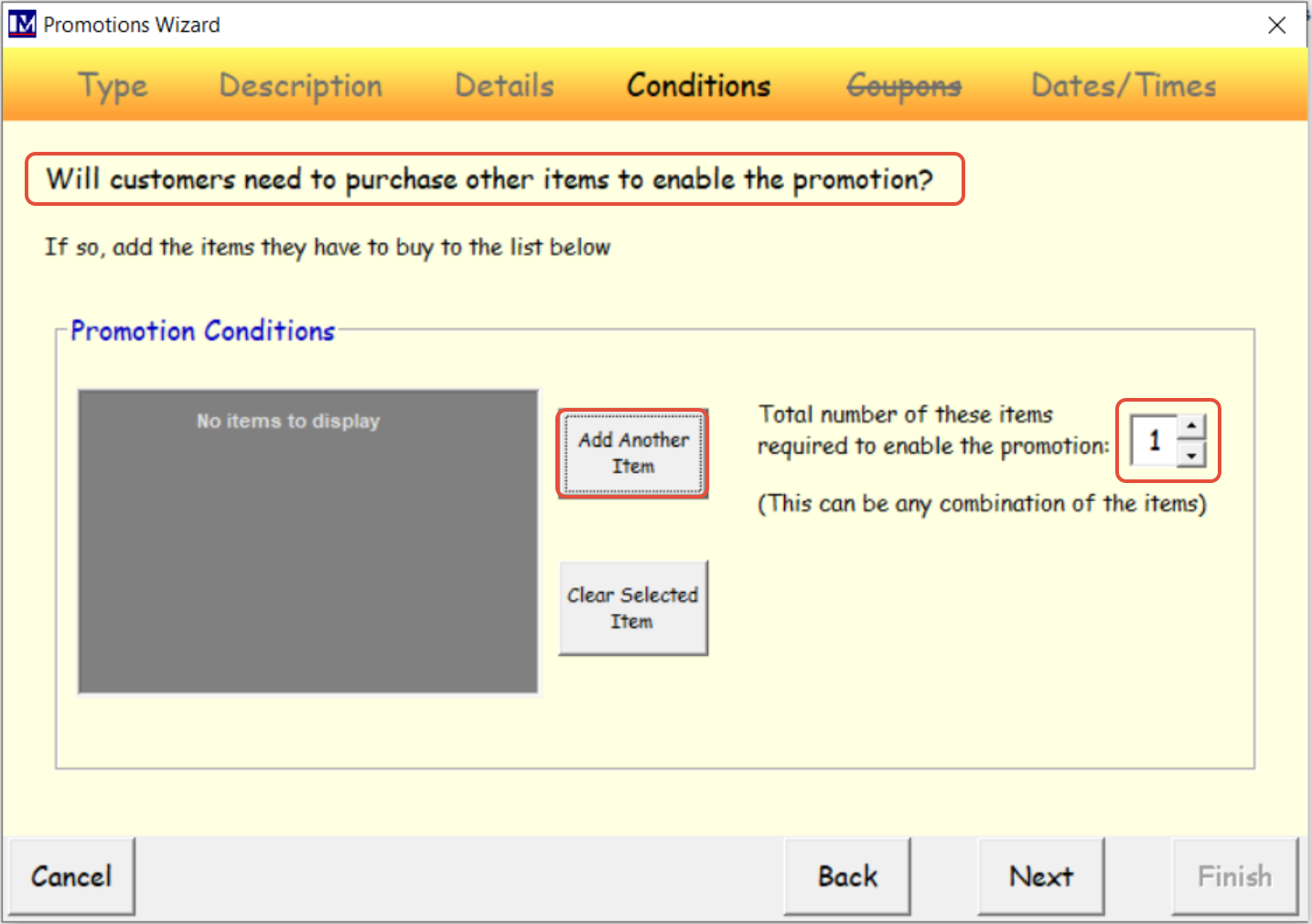
Select the item they need to purchase to receive the promotion.
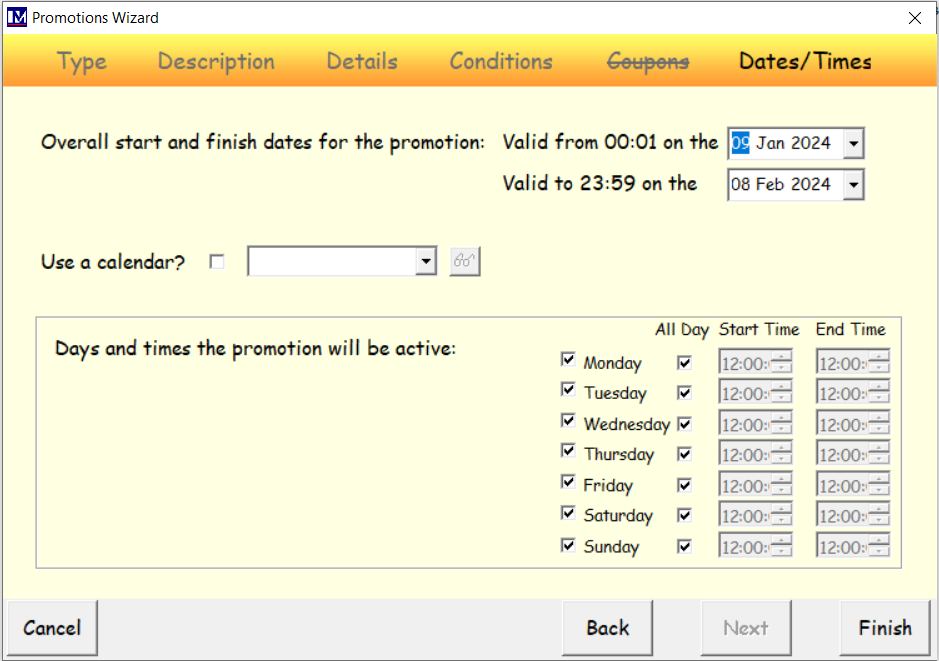
Complete the dates and times you would like the promotion to be active.
Open Promotions and select the promotion just created.
Enter the number to be purchased to fire the promotion.