
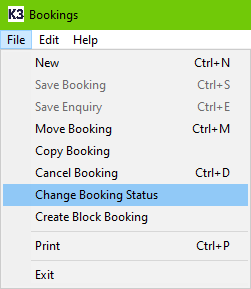
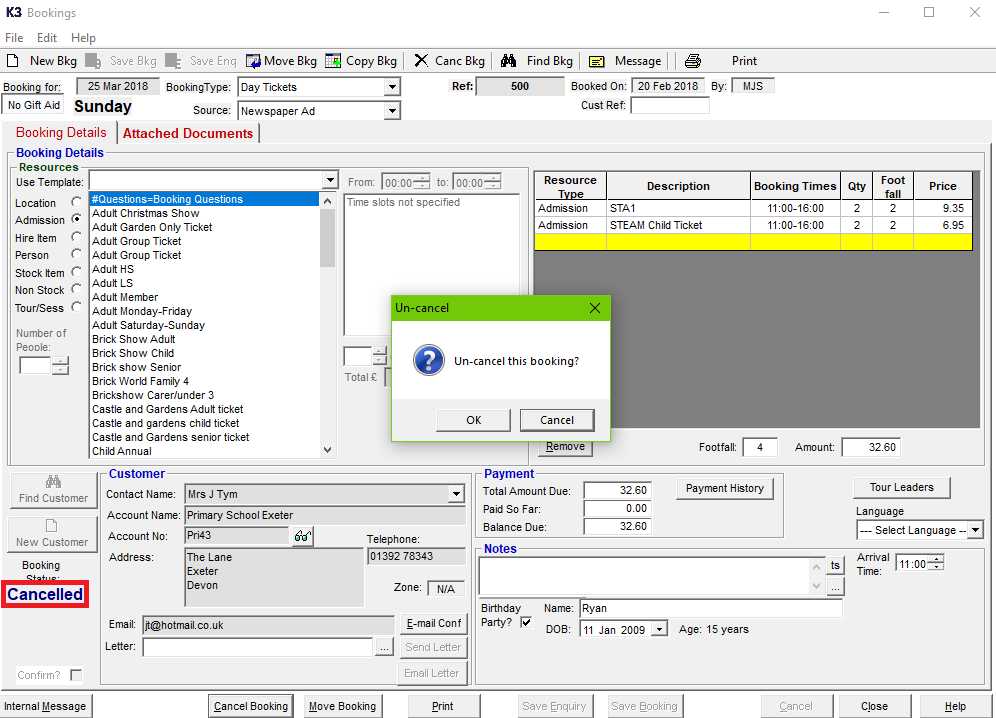
If you would like to Un-cancel an in-house non-session booking. You can do this by either double-clicking on the Cancelled text, or clicking File, Change Booking Status. This will prompt to confirm to Un-cancel this booking?
You will not be able to perform this for online bookings, which can be done via this Knowledge Base article: Mark Online 'Unpaid Reservation' Bookings As Paid.
If you are trying to un-cancel a booking and receive Cannot Un-Cancel message, please refer to this Knowledge Base article: