
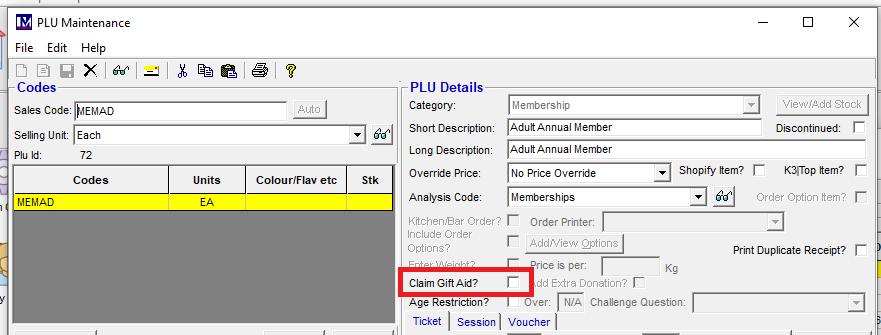
Gift Aid can be turned on / off via the Membership PLU
Simply browse to Membership Types

Select the membership required:
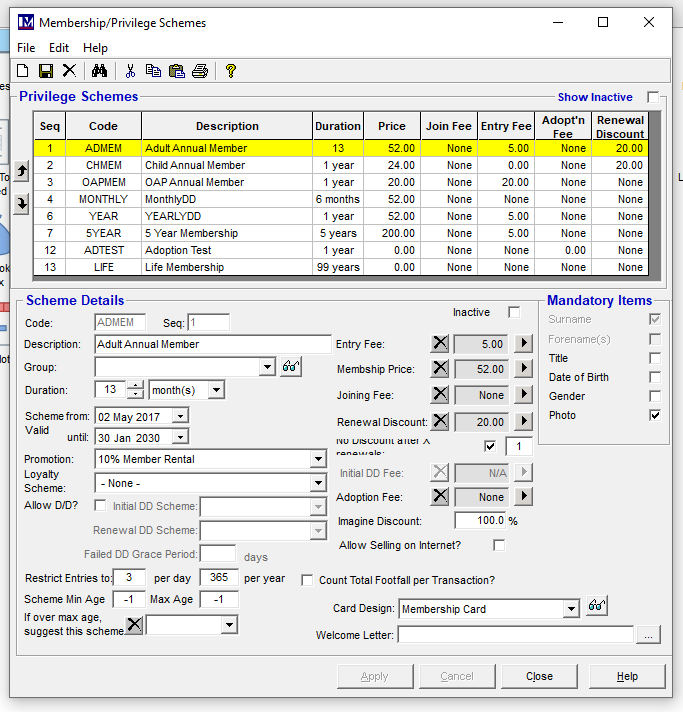
Select 'Membership Price' (click on the triangle icon)
Enable / Disable the Gift Aid tick box.
Re-create till data to apply the change.