The Marketing Questionnaire is not enabled by default.

If you require this setting up please contact a member of the support team who will need to add a security setting to the database first.
-----------------
Before creating a new questionnaire, I would advise adding the required questions to the system first.
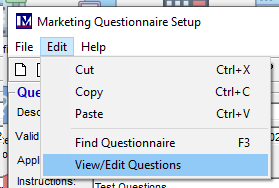
Click on Edit, View/Edit Questions:
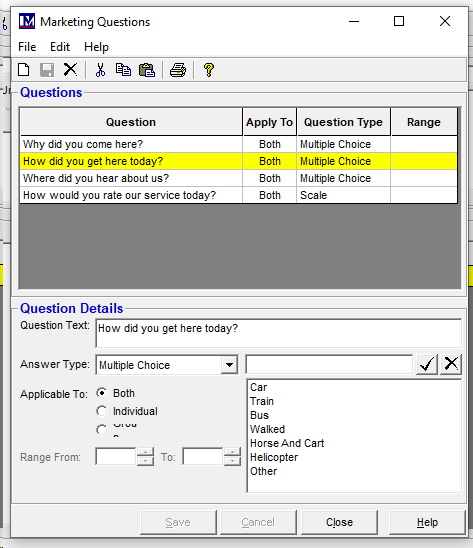
Add questions as required:
Add a Questionnaire name and section (the questionnaire can be broken down into multiple sections if required)
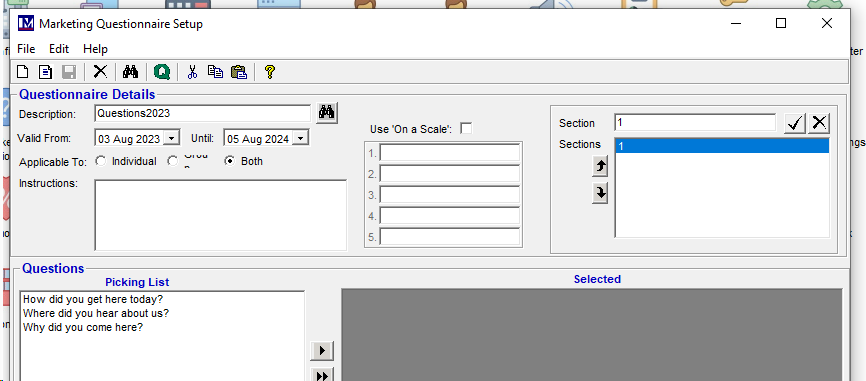
Add each question that is required. (If you want to include questions set up on a scale, you need to enable the 'Use on a scale' tick box:
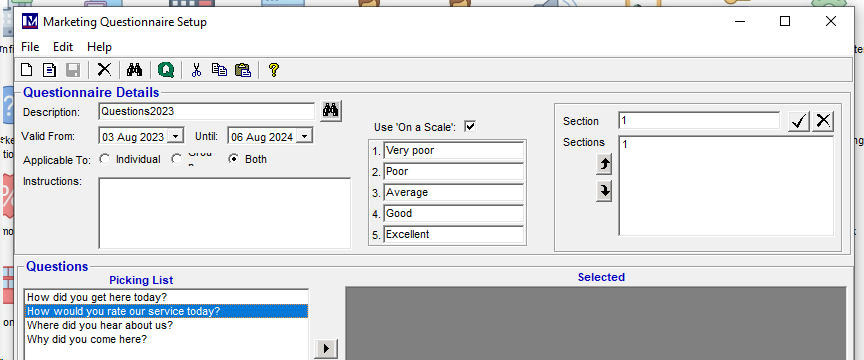
Add the required questions:
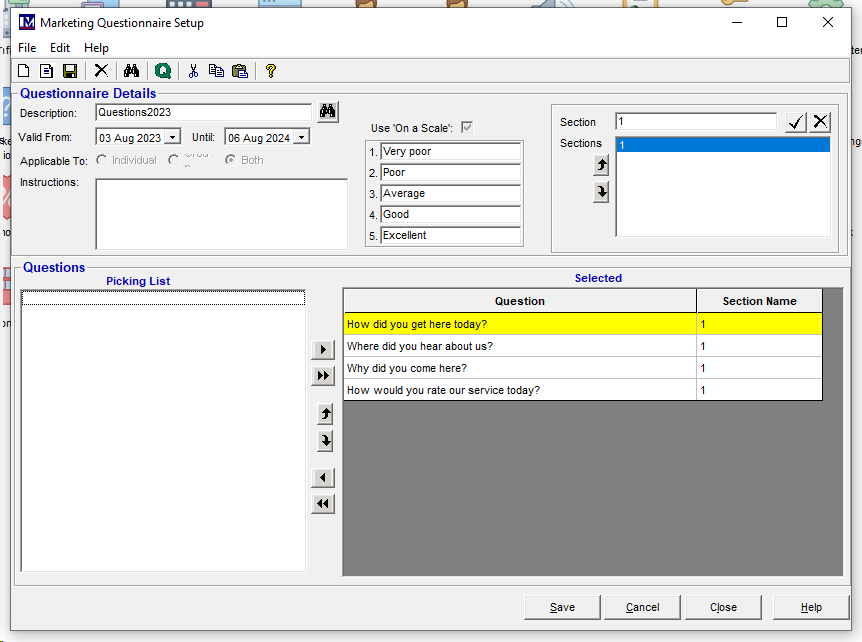
Enabling access for the questionnaire.
Within Security groups you will now find the option to 'Allow Marketing Questionnaire'

Right click to enable:

(This needs to be enabled for every group of users that requires access to it)
Within System Options click on the User Defined tab, you can then select the questionnaire you have just created to make it active.
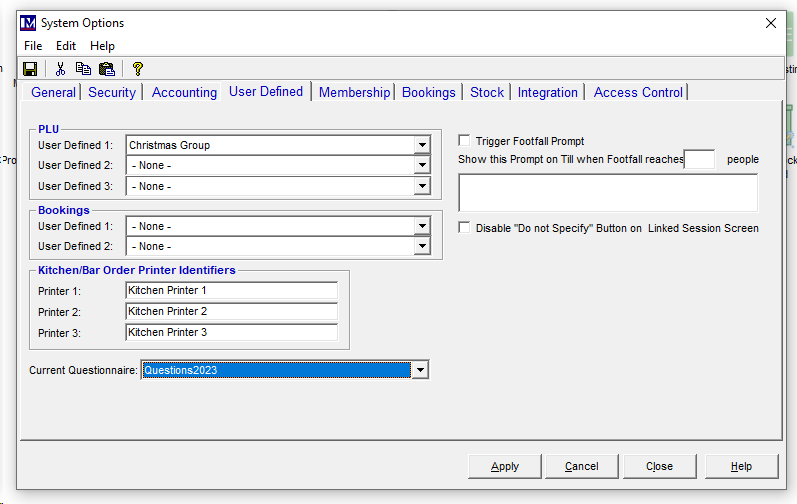
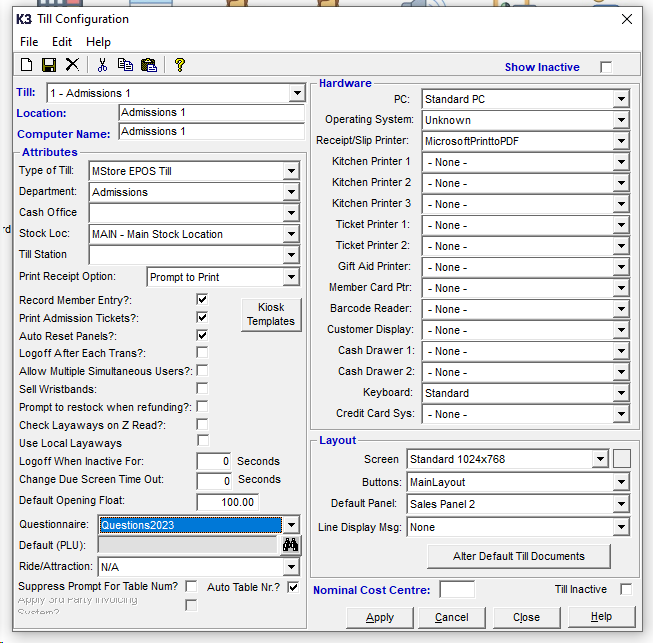
In Till Configuration set the required questionnaire:
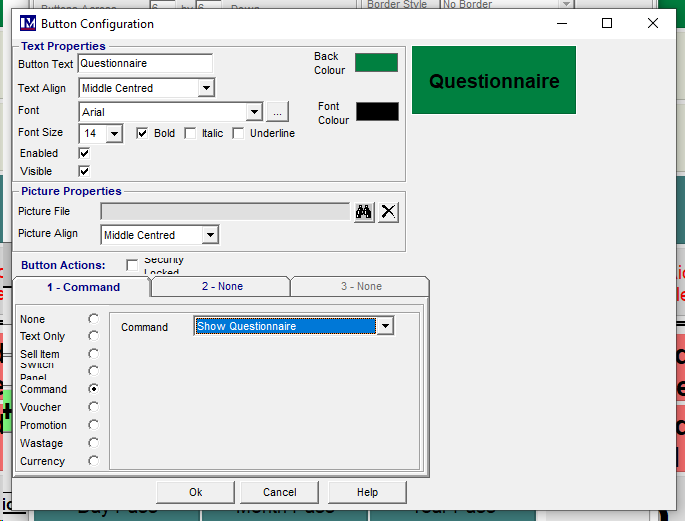
On the till, you will need to add a button to bring up the questionnaire:
(Command 'Show Questionnaire')
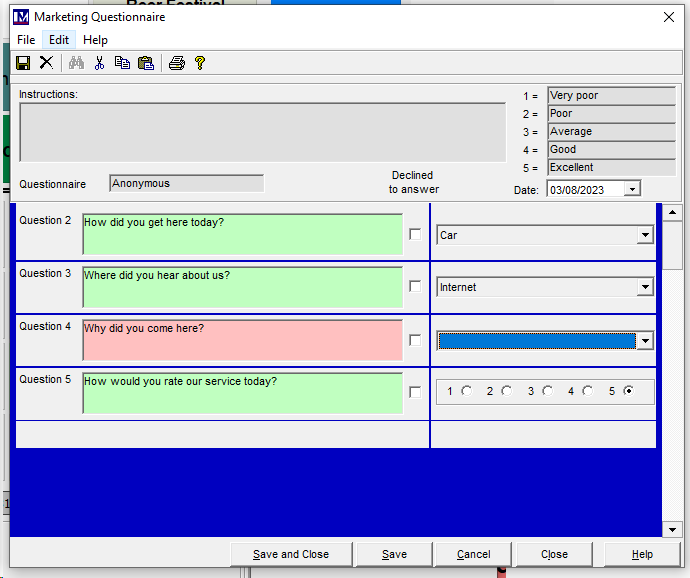
Answered questions turn green, unanswered questions are red. If you select declined to answer the box will turn grey and move on.
Troubleshooting:
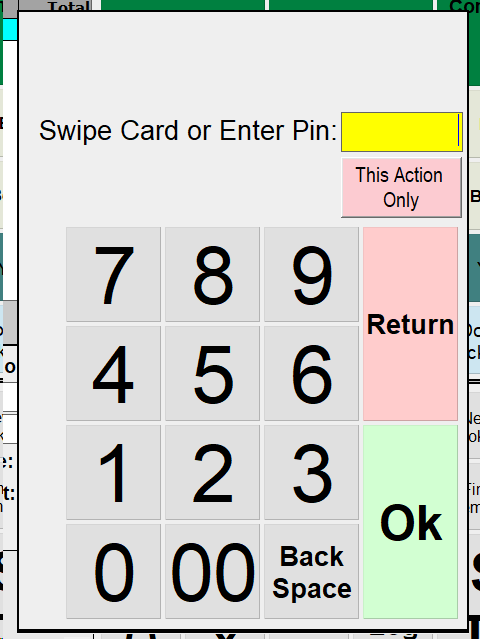
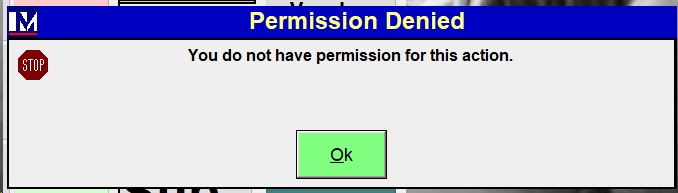
If you get a pop up asking for a login pin, the user group does not have access. Needs to be enabled in Security Groups.