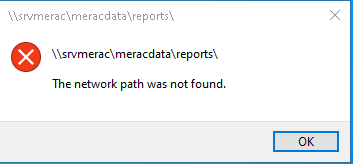
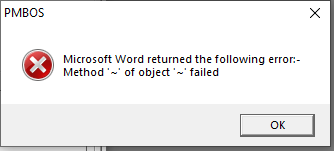
When trying to access member letters you get the following error
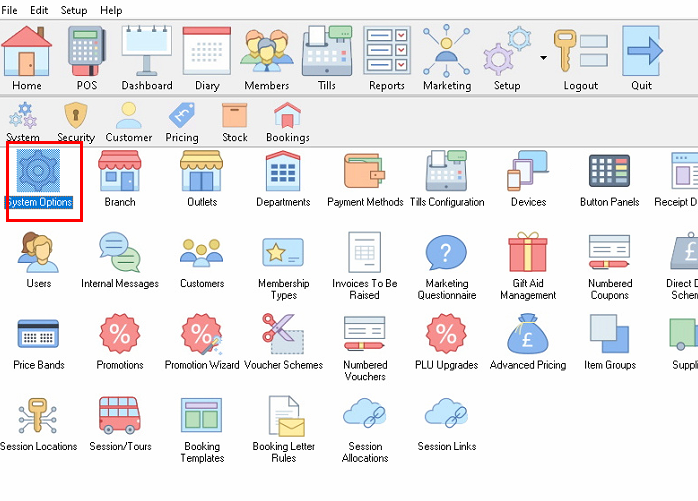
In Back Office go to System Options
 On General Tab check the path in the documents location is correct.
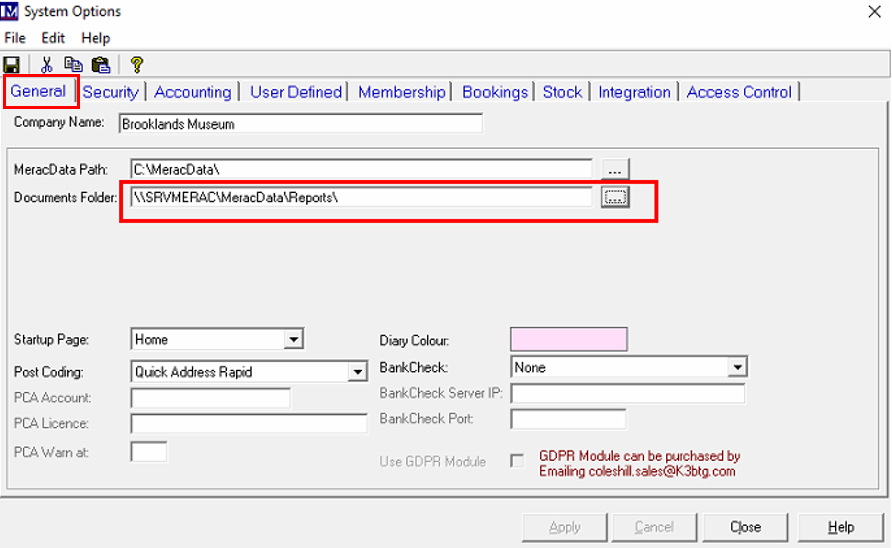
This will likely be a shared drive on the network, normally the server.
Click on the 3 dots to the right of the path and check the correct location opens up.
If file explorer opens up your local drive it is likely you do not have access to this shared network folder.
Test this by copying the link and paste in
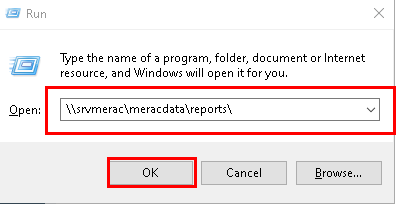
If you cannot access this location or it returns an error similar to this, you will need to contact you IT department and get them to give you access to this folder.