
Please download the GiftAidInstaller.msi from the link below:
https://www.dropbox.com/scl/fo/yhsf3sx3880ciyjj84vld/h?rlkey=pou7miqj264bwa3ecu1185ux5&dl=0
Open Add/Remove programs or Control Panel - Programs and Features and remove the existing installation of Gift Aid Manager:
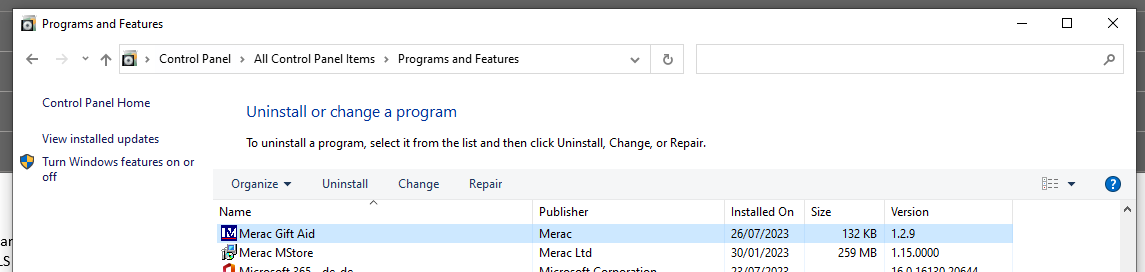
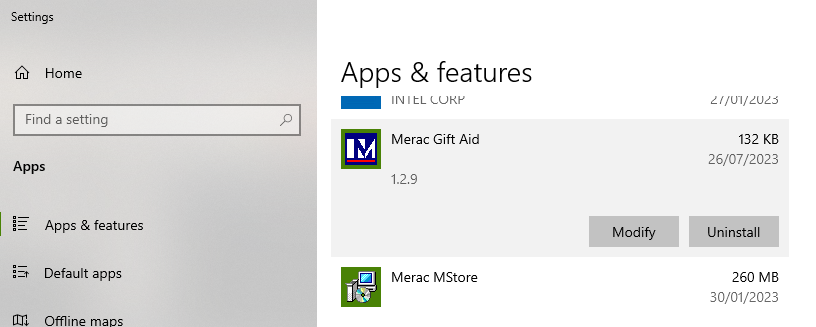
(Both ways have the same outcome)
Once removed, please run the downloaded GiftAidInstaller.msi
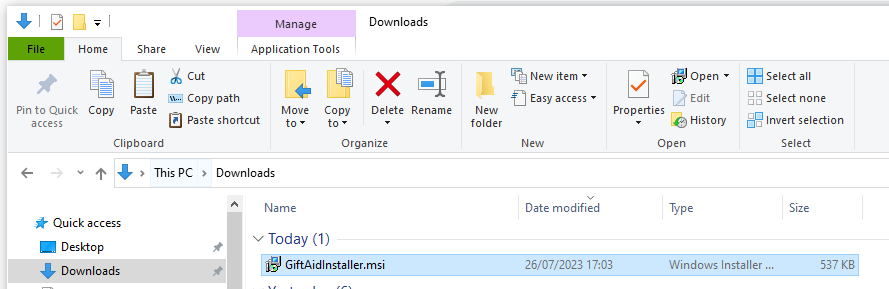
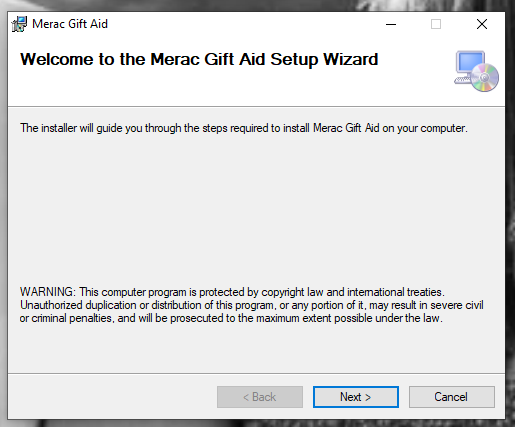
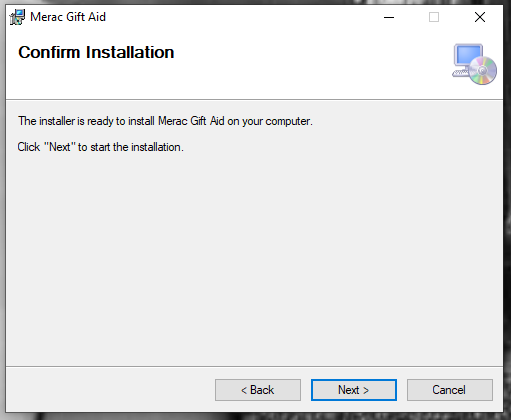
This will take you through the install wizard:
(Next, Next, Next, Finish)


This version will now allow you to submit your gift aid claim.
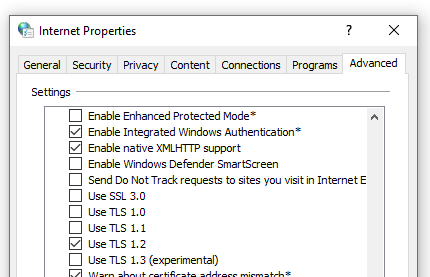
If you do get any errors, please check that your PC has TLS 1.2 enabled:
In the Windows search type ‘Internet Options’
Click on the ‘Advanced’ tab and ensure that TLS 1.2 is enabled:
Any problems please let us know.