TABLE OF CONTENTS
Fix Movements For One Item
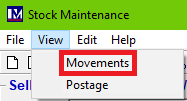
If you notice the stock movement calculations for one of your stock items is incorrect, you can click View in the top-right of the stock's Stock Maintenance screen, then press Movements.
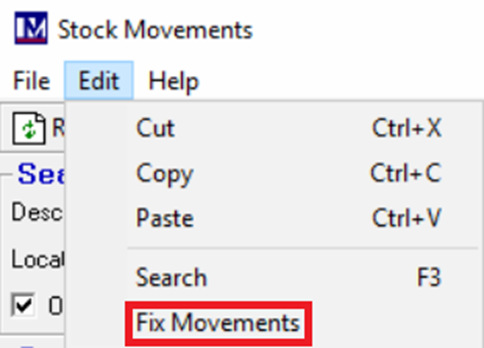
Then, within the Stock Movements window, click Edit in the top-left of the Stock Movements screen. Finally click Fix Movements to recalculate these movements for that one item.
Fix Movements for All Items
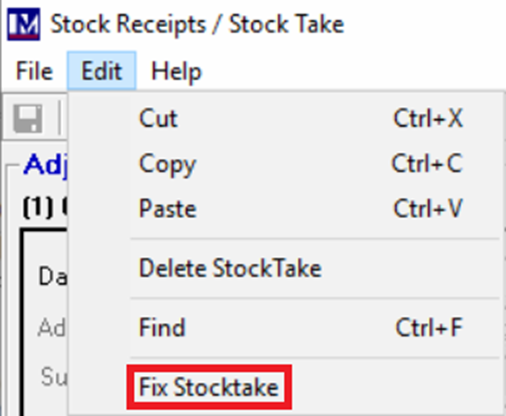
If you would like to run this for all of your stock items in your system; you can click Edit in the top-left of the Stock Take screen. Then click Fix Stocktake to recalculate stock movements for all items since the last stock take. This will take a considerable amount of time, so don't be alarmed if this takes 5-10 minutes and shows as though the screen is not responding.