If you think that your site may have stuck transactions and want to know, follow the below to check for signs of this.
First you check the Till screen in the back office for signs. The most obvious sign will be an open till drawer for a till in use that has been opened days/month in the past. If you open and close the cash drawers daily this will be a big sign of stuck transactions.
You can also check the that the draw number on the till in the tills screen matches the one in use on the till.
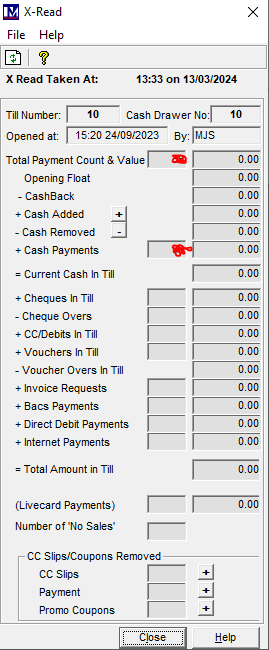
Another sign is that if you open the till details and there are zero transactions and figures processed through the till. This is a sign that your till is not sending the transactions to the database or that they are stuck in the SQL table.
Incorrect Till and not uploading.
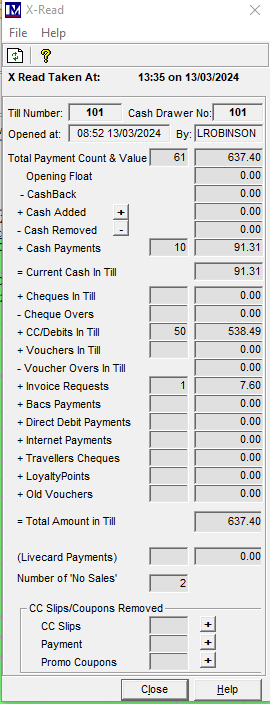
Correct till and up to date.