
If the Back Office program looks as though it freezes/crashed when launching the Receipt Designer.
Browse to C:\ProgramFiles(x86)\Merac and search for VisualBasicPowerPacksSetup.exe
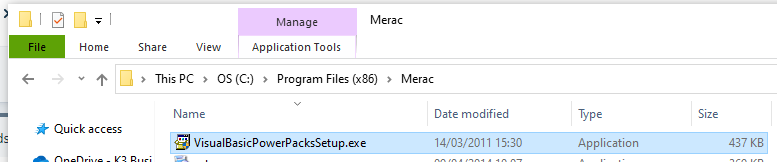
Run the setup and follow the instructions on screen.
Double check that ReceiptDesigner.exe is visible, both located in C:\Program Files (x86)\Merac.
Customers IT may need to perform this if this requires a Windows Administrator.
.Net Framework 3.5 is also required for this program to run. But Windows would usual prompt to install this if this is the case.
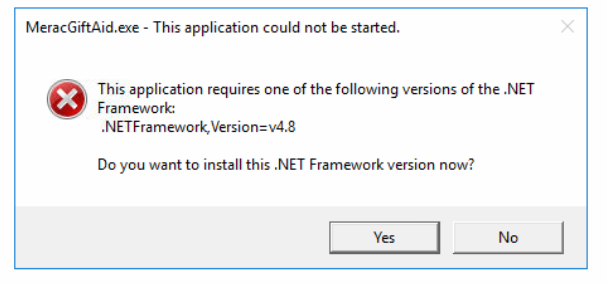
In this instance you will get an error as below (ReceiptDesign.exe would be shown).
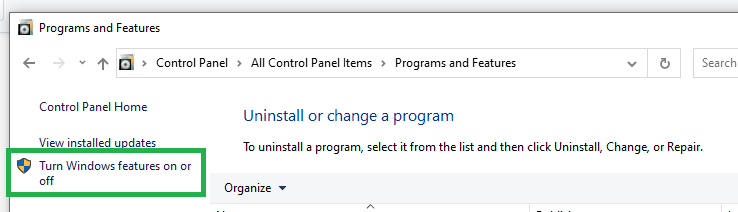
.NET can be installed easily from Programs and Features. The easiest way is to enable .Net 3.5 from Windows Features:
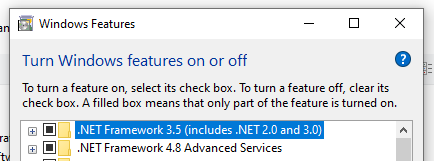
This might require a restart of the PC to install.