
It is possible to add sub headers into booking headers as below:
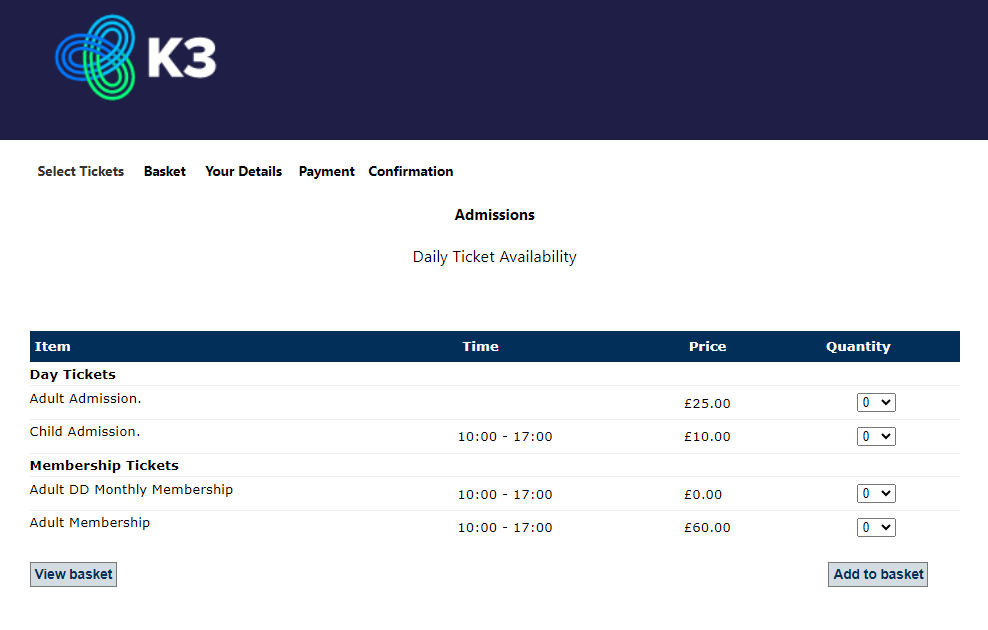
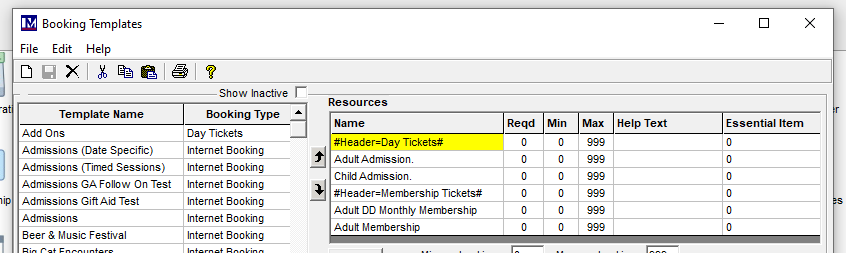
To add a header record.
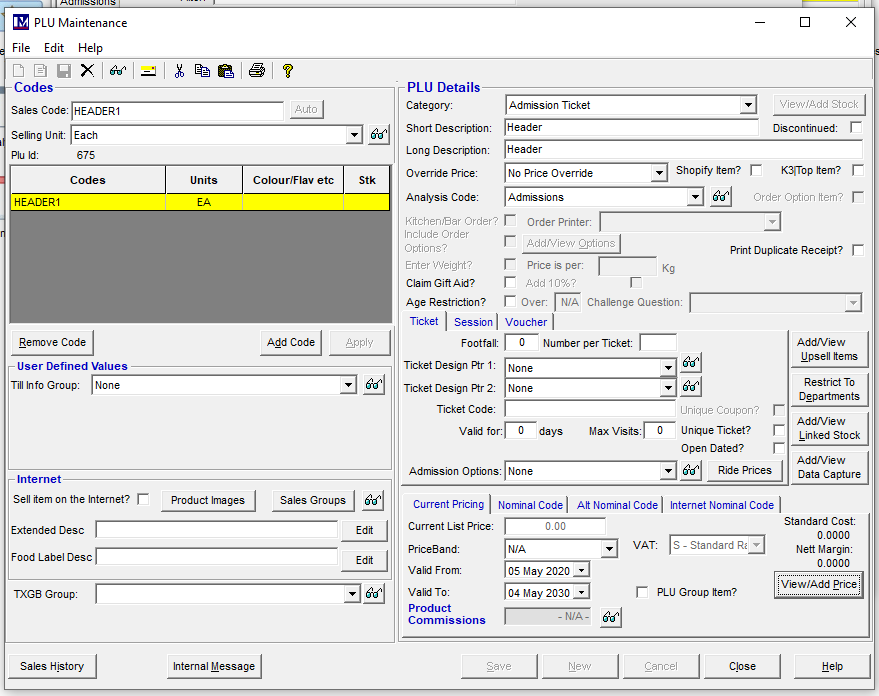
Create a new PLU called something like 'HEADER' and set with a zero price:
Create a new bookable resource and set the description to be #Header=NAMEHERE#
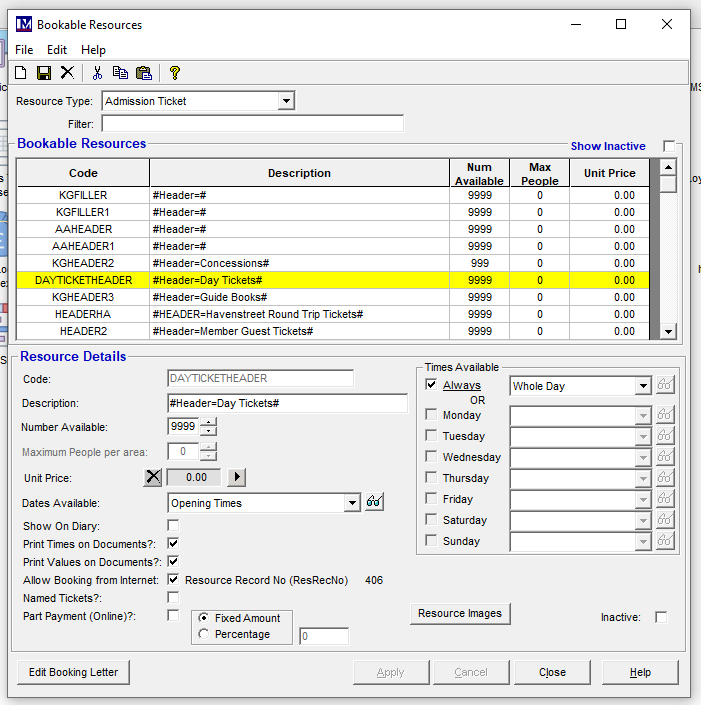 The text within the hash will show online.
Ensure that the PLU has a valid price and the calendar period is valid as with the other items on the template.
Re-create the online templates and any headers you have added will show online.