
It is possible to add Ad-Hoc query's to the Merac back office system to extract data that may not be picked up within a report or to create your own custom extracts.
Within Merac back office you will find 'Extract Data'

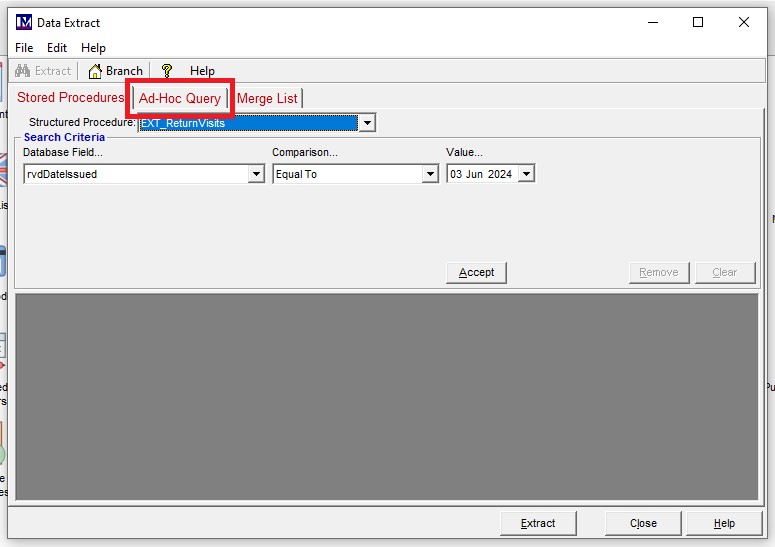
Select the 'Ad-Hoc query tab:
Select 'New':
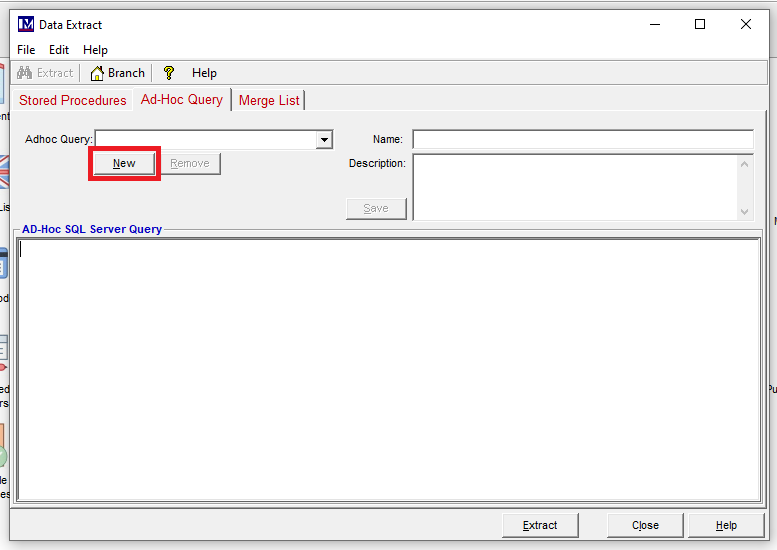
Give the query a name and description (Both fields are required)
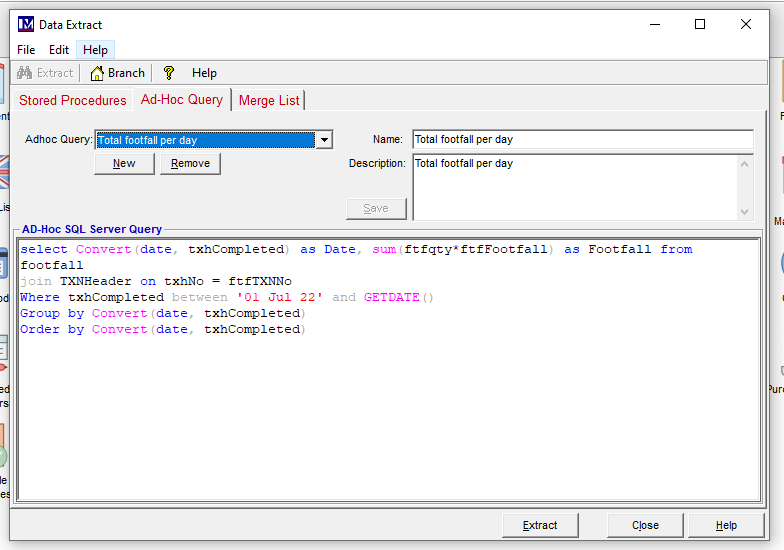
This can be a really simple query or far more in depth complex query however the system will not allow any temporary tables when running from back office.
Example below:
Or can be as simple as:
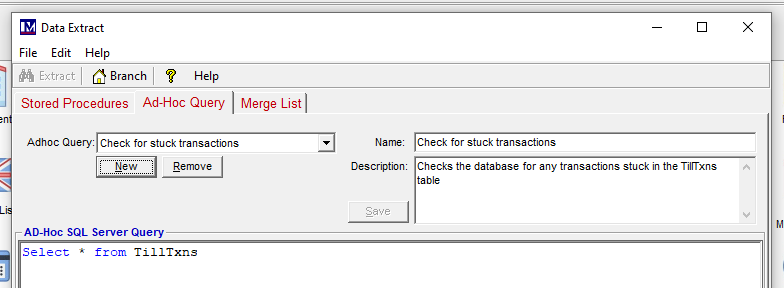
Click 'Extract' to list results:
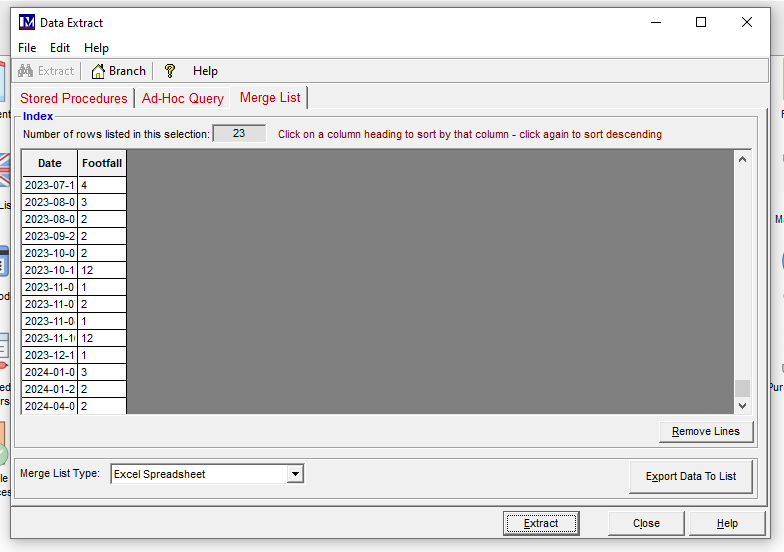
From here you can export the results to Excel and modify as required.
If no results are returned the system will prompt to inform that no results have been returned.
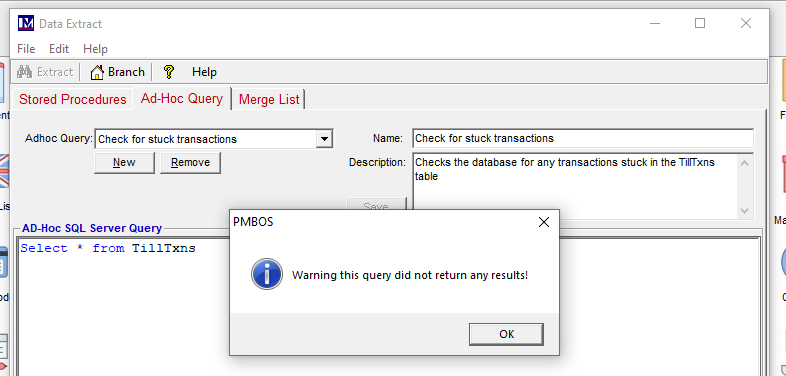
(The support team may assist with quick Ad-Hoc queries however any complex queries that will take more than 15 minutes will need to be raised via your account manager)