
If Merac does not receive confirmation of a successful payment for an online booking from your online payment provider, the booking will be marked as an unpaid reservation within the Back Office. However, if you know the payment has gone through, you can manually mark this booking as paid.
You will need the online booking reference/online shop order number. This could be found by searching for the booking reference/order number via the customers name with the Back Office. You would also require password to login to your website Back Office portal.
Please note: This will only be able to recall online bookings/orders, and always show the items purchased on the website when the booking was created, and will not show any different items if they were added/removed in the Back Office.
Once you have this information, you can follow this process:
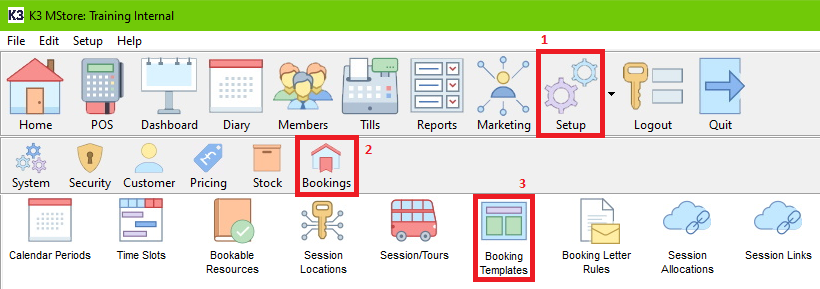
- Within the Back Office, Click Setup, Bookings, then Booking Templates.
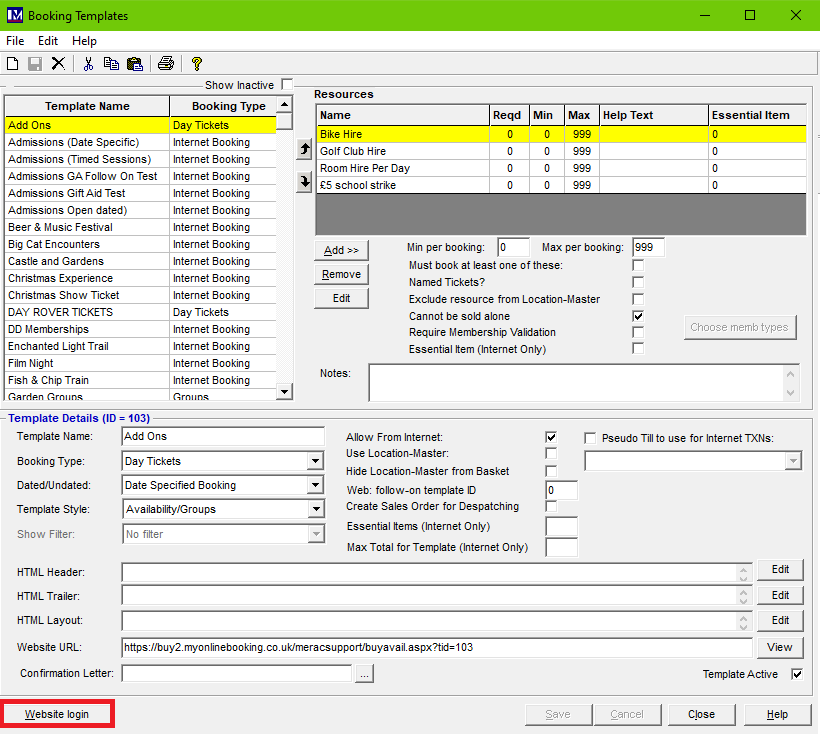
- Once Booking Templates is opened, click on Website login.
- This will take you to your website Back Office portal, where you will need to insert your website Back Office portal password for access.
The person at your site who regularly deals with making changes to the website should have this password. If you are unaware who will have this password, please do send a request in via the support portal here. This is not your PIN or password to access the till or Merac Back Office.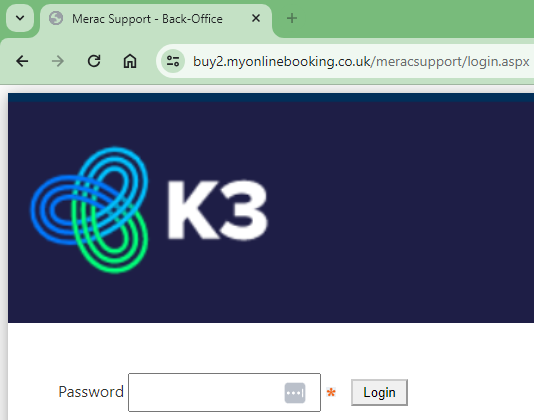
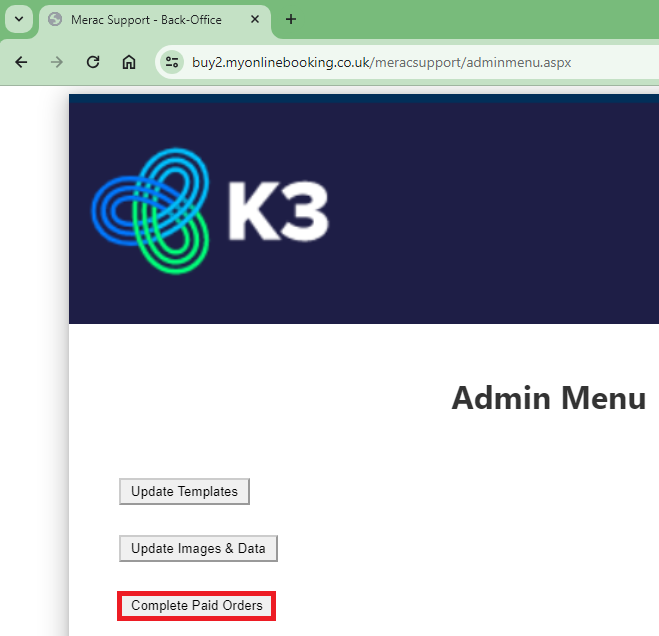
- Once you have gained access to the website Back Office portal, click on Complete Paid Orders. If this options is not showing for you, please report this to support via the support portal here.
- Here, you can insert the Booking Ref or Order Number in the relevant box, then clicking the relevant Look Up button.
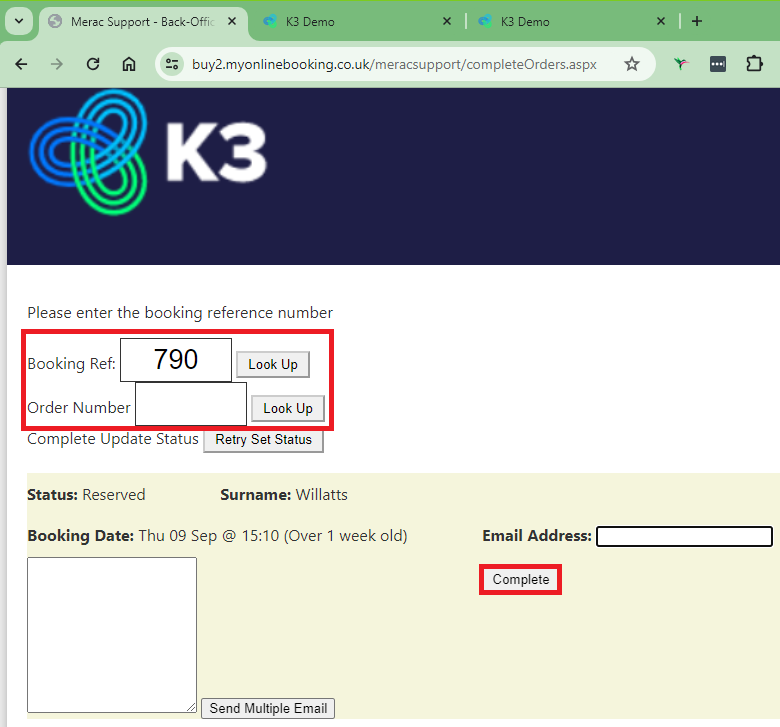
- When the booking/order is found, with a status of Reserved, you can press Complete, which will send payment successful for the booking in question to the Merac system.
This will then display the booking successful web page. This will also send an email to the email address linked to the booking. Depending on sending and receiving emails with yours and the receivers email server, this can take up to half an hour to be received.