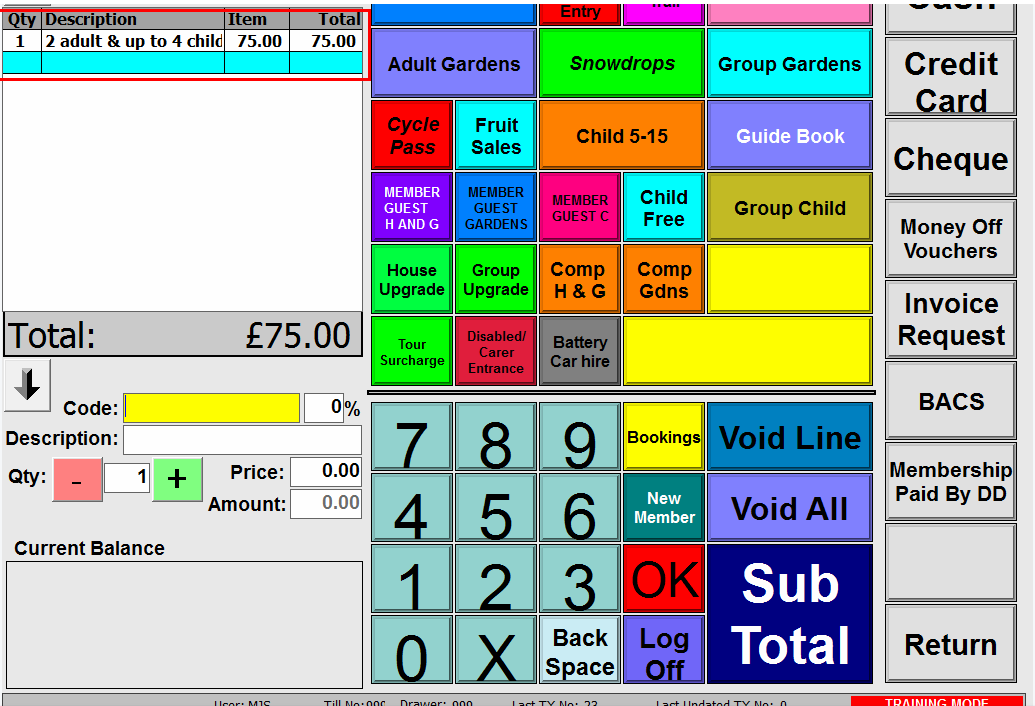
In order for PLU upgrades to fire at the POS, all qualifying memberships must be created using the membership wizard.
Selecting the individual PLU's into the basket will not cause the upgrade to fire.
Further, all qualifying memberships must be completed using the one wizard as shown below.
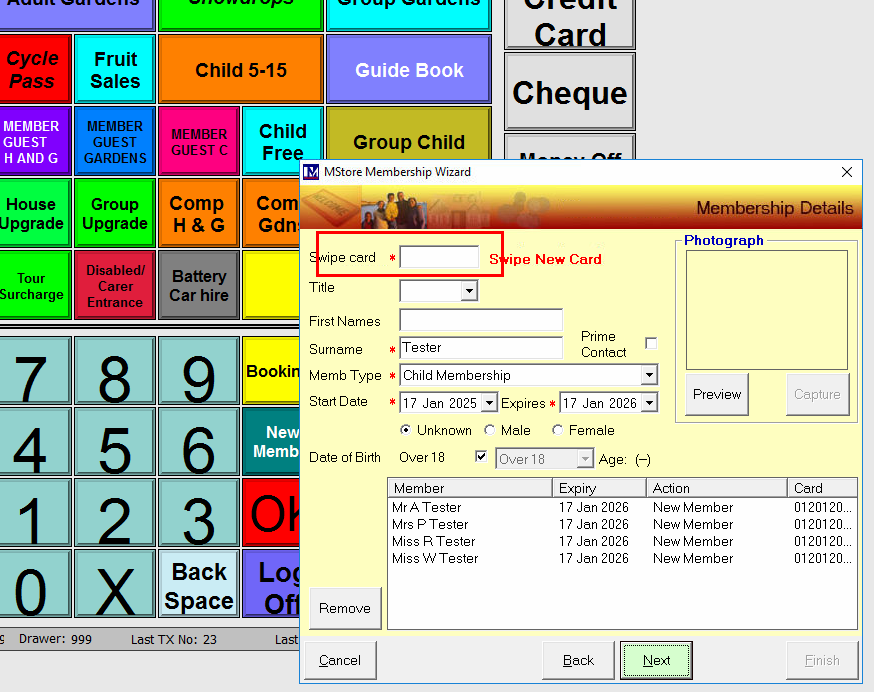
After completing the first membership enter / swipe the next card and complete the next one.
Do this until qualifying memberships have been entered.
The complete the wizard.
Completing a separate wizard for each membership will not fire the PLU upgrade.
When all qualifying memberships are entered into the wizard and finish is selected the upgrade price (and its PLU) will be shown.
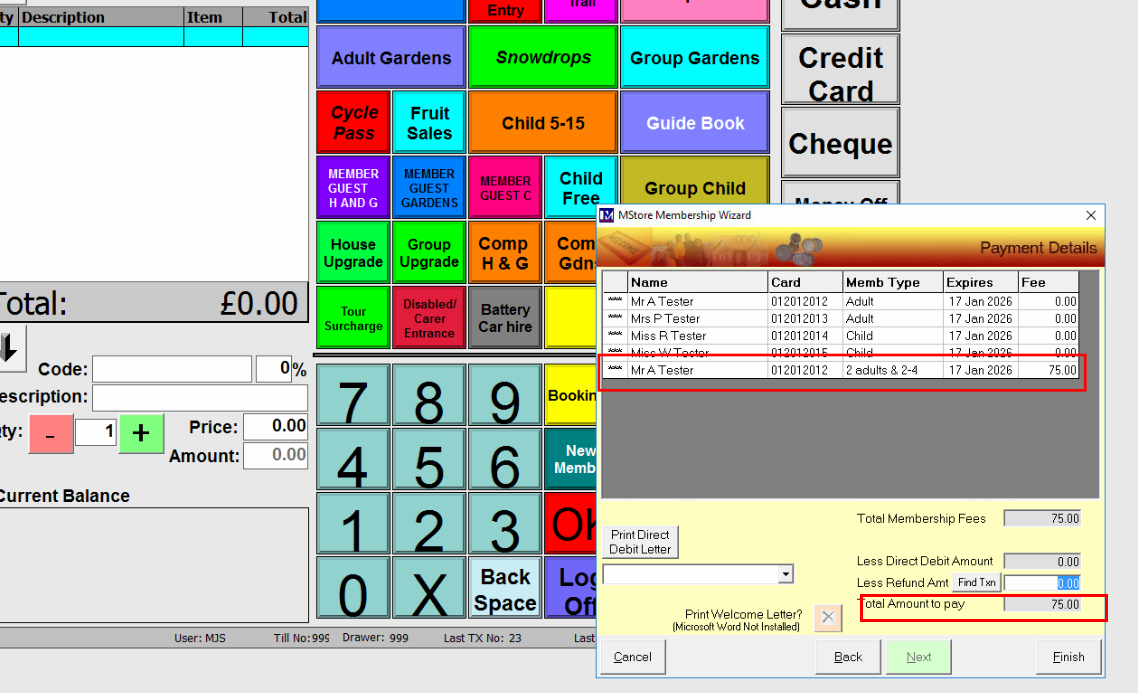
Once complete the PLU will be sent to the basket.