
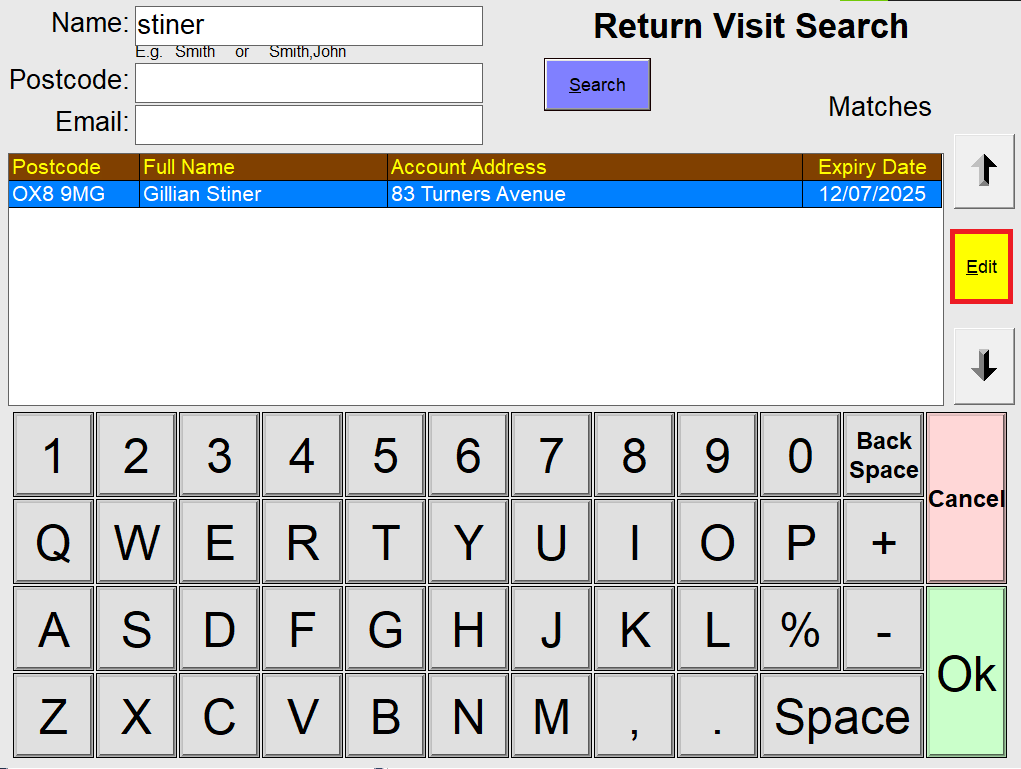
The Return Visit Search functionality can be used to find, view, edit, cancel and reprint return visit tickets. You can search for return visits using their name, postcode or email, as you can see below, and then select the return visit in the list.
Please note, you cannot redeem Return visits directly from the Return Visit search screen when you select OK on the selected return visit. You will need to reprint the return visit ticket, and scan this in, which is explained further down this article.
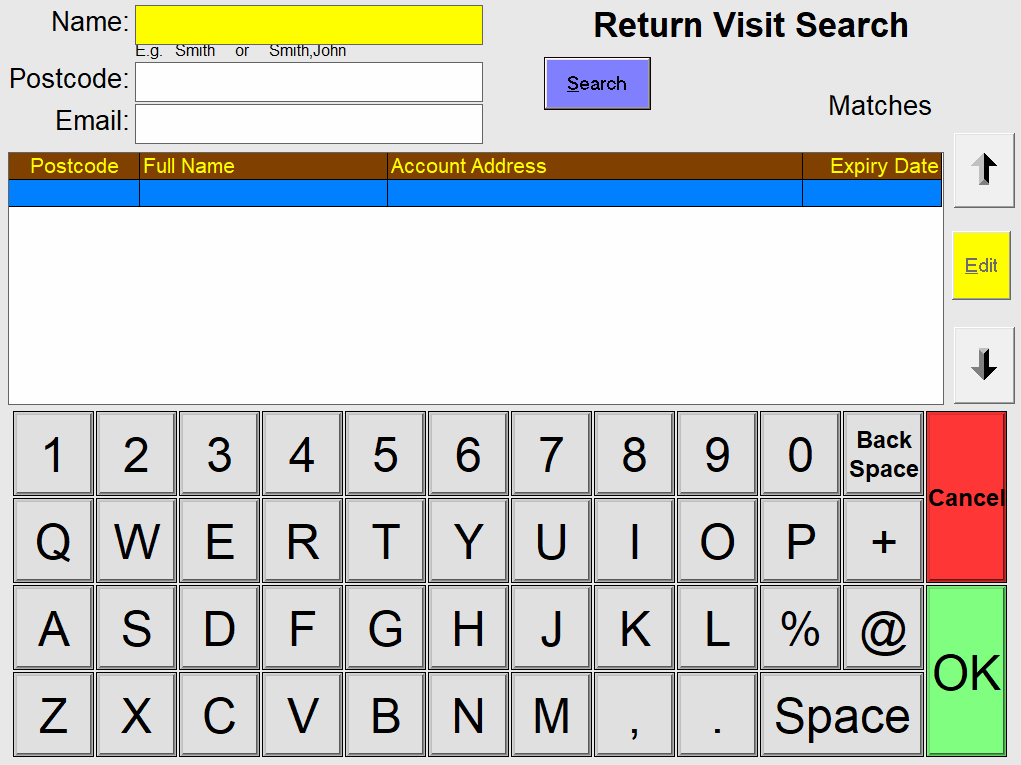
Once you have searched and selected the return visit in question with the up and down arrows to the right of the screen, you can click Edit to view the details of the selected return visit.
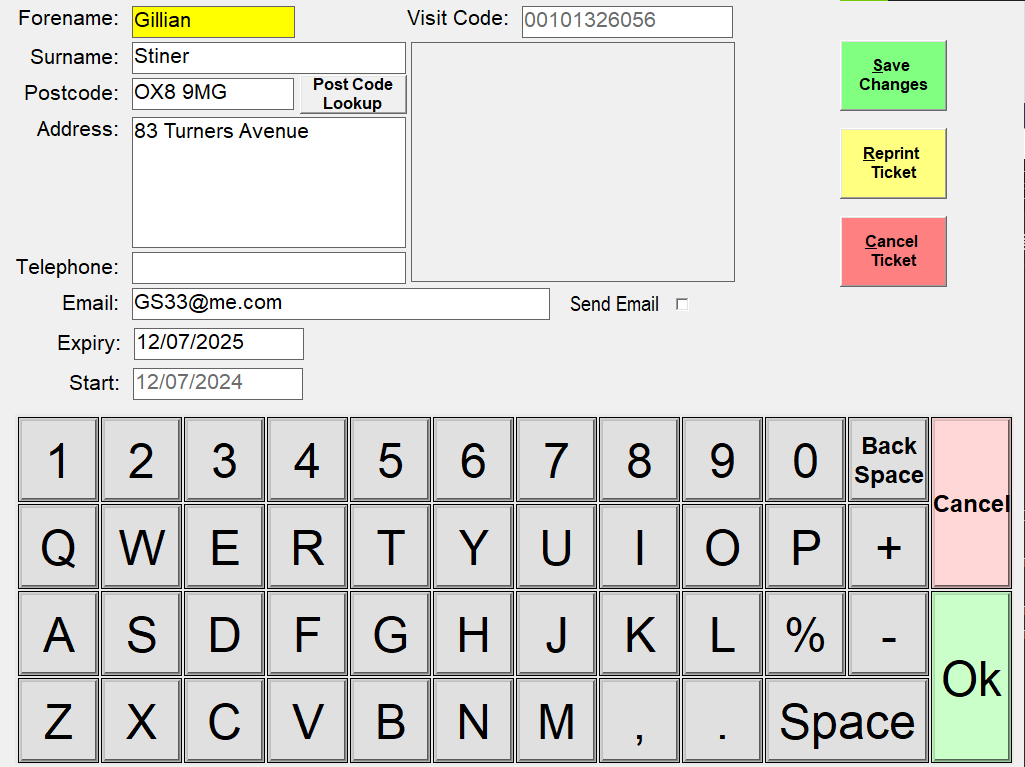
From here, you can view, edit, cancel and reprint the return visit. Reprinting the ticket will allow you to redeem the return visit by scanning the barcode on the ticket into the basket on the till program.
Please note, when you redeem return visits, nothing will populate in the customer/account section of the till program, as return visits are not a customer account.
To view the free webinar video on the Return Visit functionality, please visit this link: Return Visits Webinar.