
It is possible to set up online tickets so that they cut off at a specific time each day.
This configuration option will affect tickets and sessions online (by default sessions will vanish when they start, this can however be modified so they vanish at the end of the session)
In the instance where you may want customers to be able to book for the morning but then prevent any sales later in the day a time can be specified where the current days tickets will be hidden from sale.
Some sites have this set to 00:01 which then prevents bookings for the current day online.
This can be configured within the website configuration. To access go to Booking Templates in back office and select 'Website Login'
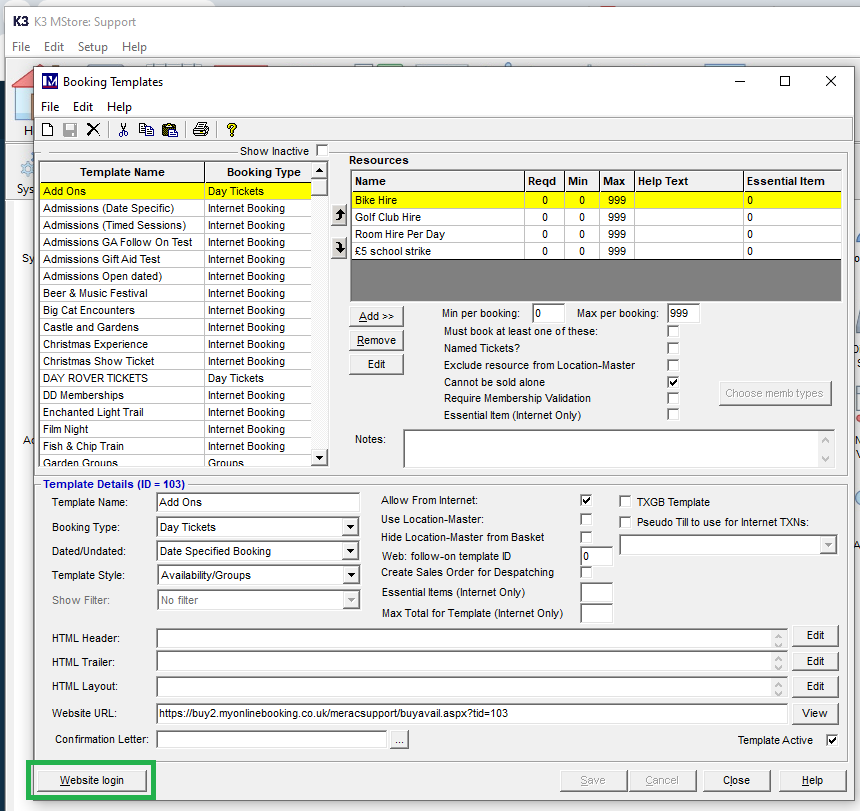
Login to the website configuration:
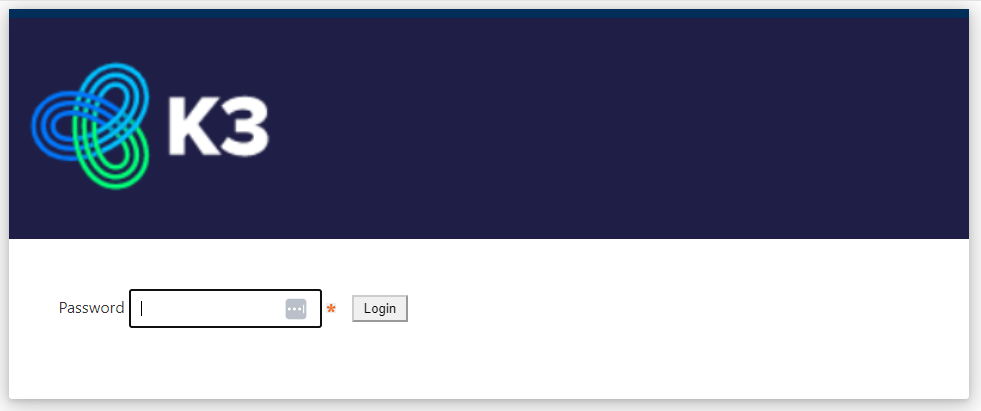
(Password will have been provided to an administrator on site)
Select 'View Config'
Scroll through the list and find 'SAMEDAYCUTOFFTIME'
(If it doesn't exist it can be added by clicking Add New Field)
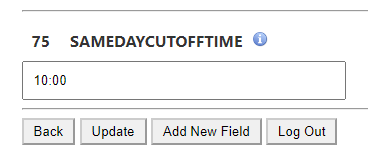
Put in the time you would like tickets to stop showing online and click Update.
Tickets will then no longer show available online for the current day from the time specified.