
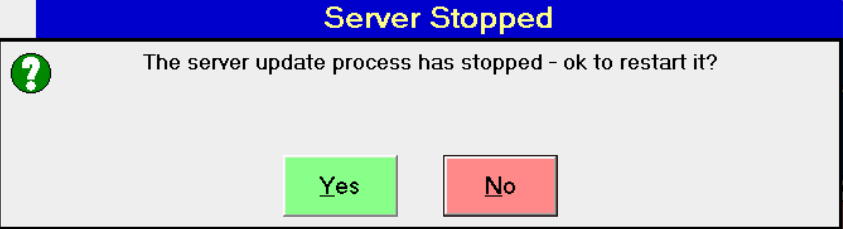
After performing a transaction in version 3.14 of the Merac POS software, and you receive the below message, please follow the below instructions.
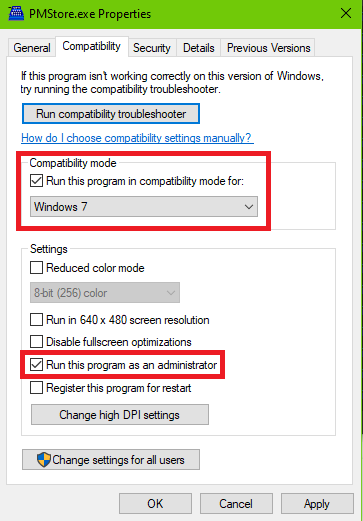
- First, go to C:\Program Files (x86)\Merac and right-click on PMStore.exe.
- Click on Properties in the contextual menu.
- Within Properties, click on the Compatibility tab make sure Compatibility mode is ticked and set to Windows 7, and tick Run this program as an administrator.
- Click Apply and OK.
- Right-click on PMStorePOS.exe in the same folder location.
- Click on Properties, then Compatibility tab.
- Set Compatibility mode to Windows 7 only.
- Click Apply and OK.
If there is still an issue, have a look at replacing the C:\Program Files (x86)\Merac\PServerUpdate.exe with a known working version from another till.