
The line display video is found within the C:\ProgramFiles(x86)\Merac folder:
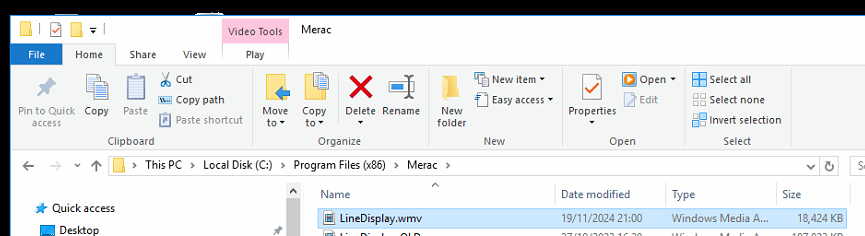
Same process for an image however using a video as an example.
To replace the video / image on a single till you can simple replace this file (Stop the MeracLineDisplay first)
-------------------
Using MeracUpdater to update all tills.
On the server you can an entry into Mstore Updater
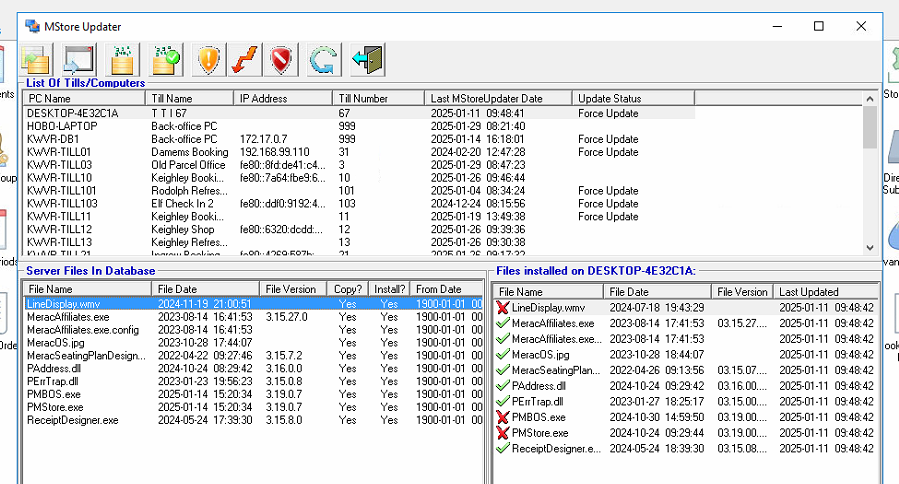
(Please ask a support operative to do this)
To update the file, you can drop the updated image / video into the merac data share on the server:
Meracdata\updatenewver\cache
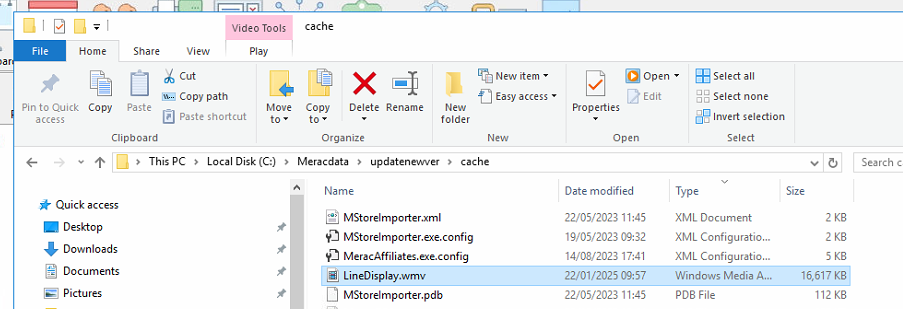
Ensure the new video is named exactly the same (otherwise it won't be picked up by the updater service)
Delete LineDisplay.7z

Within Merac Updater click the 2nd button from the left:
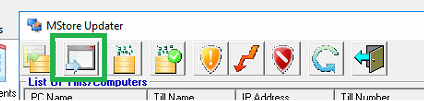
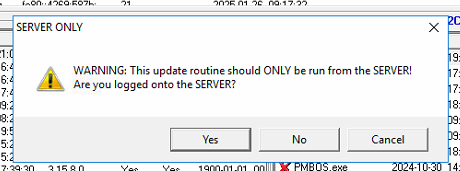
This HAS to be done from the server:
Click Ok to update the LineDisplay.wmv:
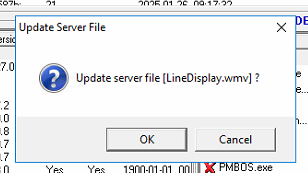
Please click cancel on all other files that it prompts about.
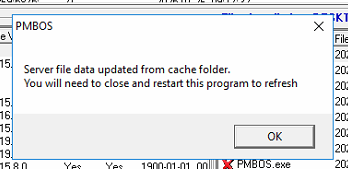
Close the Merac Updater window and re-open it. It should now show with the updated time and date of the line display file.
Click this button to authorise the server to copy down the files:

Click this one to force the update to the tills:

The line display image will now be updated on the tills when the till is restarted.
It will not be able to overwrite the file while the line display program is running.
Any problems please contact support.